What is the benefit of signing in, in EverMerge?
Signing in allows you to link your game to either a Big Fish account or Facebook account (or an Apple account if you are on an iOS device).
By signing in, you save your progress, allowing you to:
- Play the same profile across multiple devices
- Restore your progress after:
- Getting a new device
- Uninstalling and reinstalling EverMerge from your device
- Resetting your device
How do I Sign in?
Easy! Just follow these steps:
- Open EverMerge
- Tap the golden gear icon in the top-right corner

- On the Settings screen, tap the blue Connect button

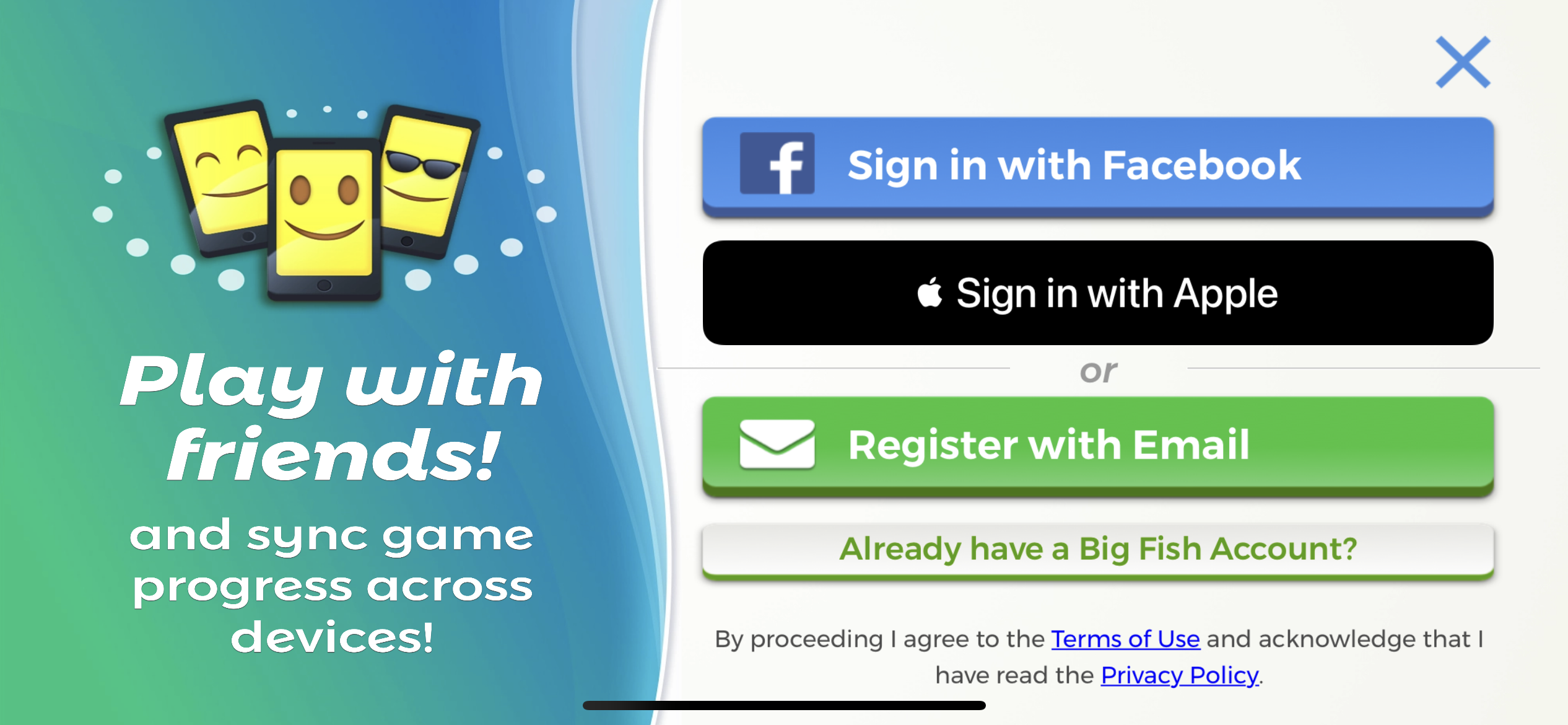
- On the next screen, you'll see 4 options (from top to bottom):
- Sign in with Facebook
- Sign in with Apple (again, this will only appear if you're on an iOS device)
- Register with Email - Create a NEW Big Fish account to Sign In with
- Already have a Big Fish Account? - Sign in with an existing Big Fish account
- After selecting your preferred Sign in option, follow the prompts that appear
What if I don't see the 'gear' icon?
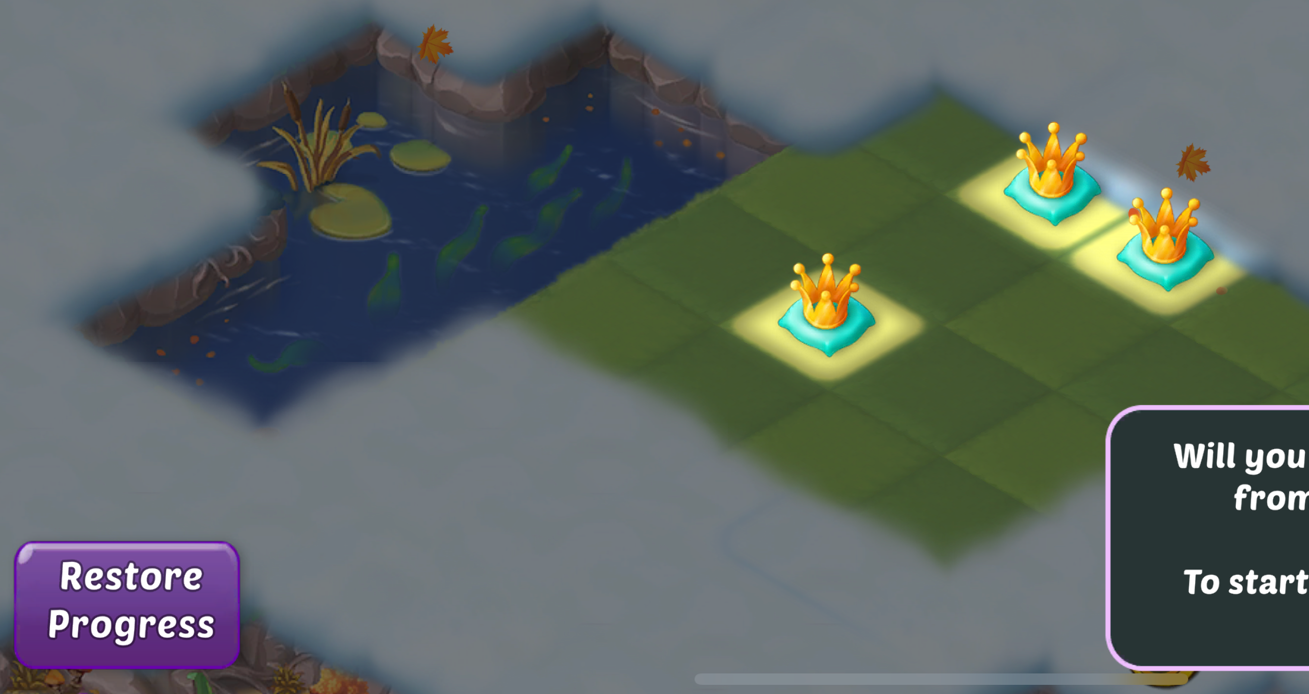
If you recently installed or reinstalled EverMerge, and find yourself back at the initial game tutorial, keep in mind that you will not immediately see the 'gear icon' mentioned above. Instead, you can tap the purple Restore Progress button in the bottom-left corner, to jump straight to the Sign in screen